Documentary Pipeline (Preview-First)



Documentary Pipeline
Preview-First Storytelling
The documentary pipeline is designed for projects where ethics, pacing, and narrative integrity are critical. It organizes raw footage and audio into clean structures, assembles narrative previews, and applies Audio, Color, and Continuity QC.
The system outputs 4K Ultra HD previews clearly labeled PREVIEW, allowing filmmakers to assess structure, sound, and continuity before committing to finishing work or irreversible edits.
This approach reduces risk, preserves editorial intent, and supports defensible decision-making making it especially well suited for investigative, historical, and compliance-sensitive documentaries.
Theater Mode: Editorial Assembly & Preview Rendering
Theater Mode functions as a non-destructive editorial engine. It assembles footage into coherent previews using narrative and compositional logic—without locking edits or baking creative decisions.
Capabilities
- Scene segmentation and narrative grouping
- Genre-aware composition presets
- Preview renders only (never “final masters”)
- Full trace logs for review
Output: Editorial previews, clearly labeled PREVIEW not locked cuts.

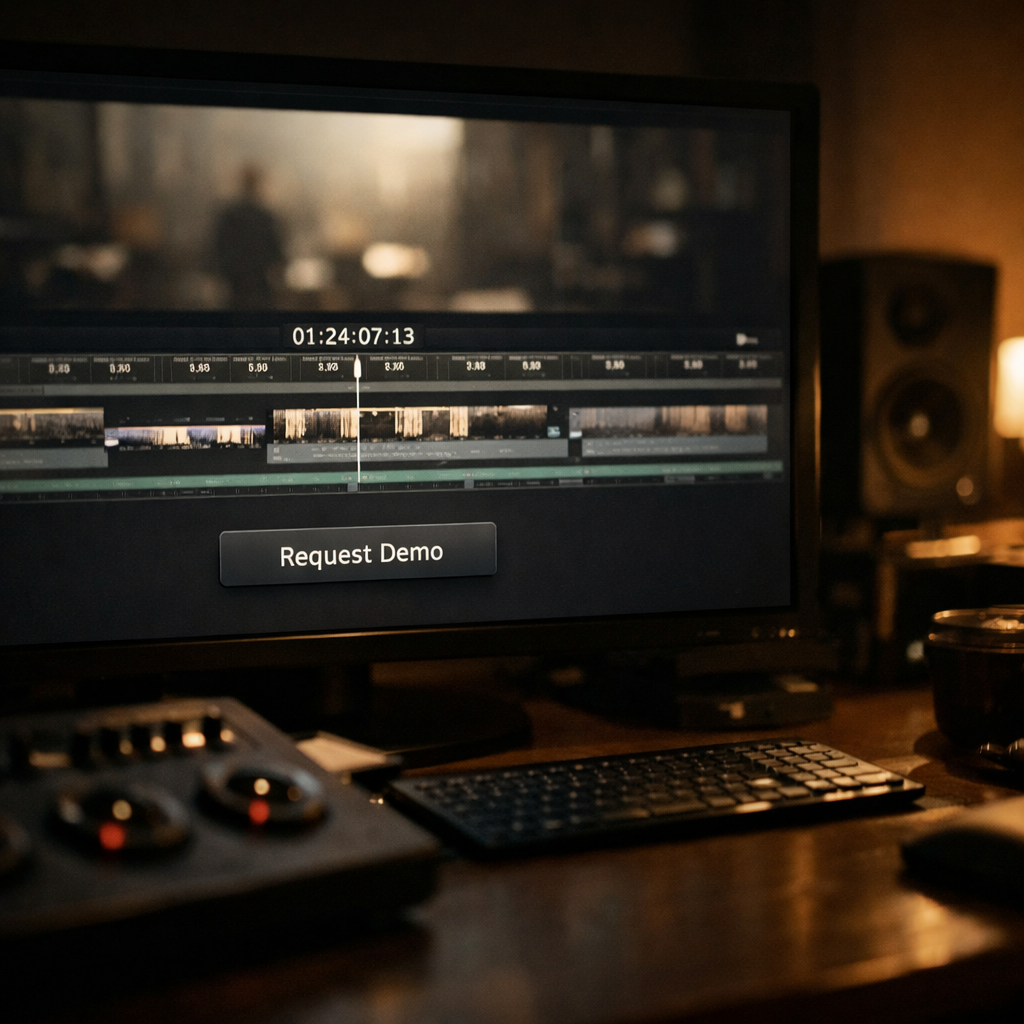
Documentary Pipeline
What It Does
For documentaries, the system:
- Organizes raw footage and audio into clean structures
- Assembles narrative previews
- Runs Audio, Color, and Continuity QC
- Outputs 4K Ultra HD previews labeled PREVIEW
This allows filmmakers to evaluate story, ethics, pacing, and sound before committing to finishing costs or irreversible edits.

.svg)
.png)
